Full Guide
Make vs n8n vs Zapier: The Full Small-Business Automation Guide
This full comparison examines how Make, n8n and Zapier differ after the shortlist is formed. It covers operating model, workflow construction, extension, exact connector behaviour, monitoring, recovery, usage units and a fair controlled comparison.
Main Guide
Make, n8n and Zapier at a glance
Make: visual scenarios in a managed service
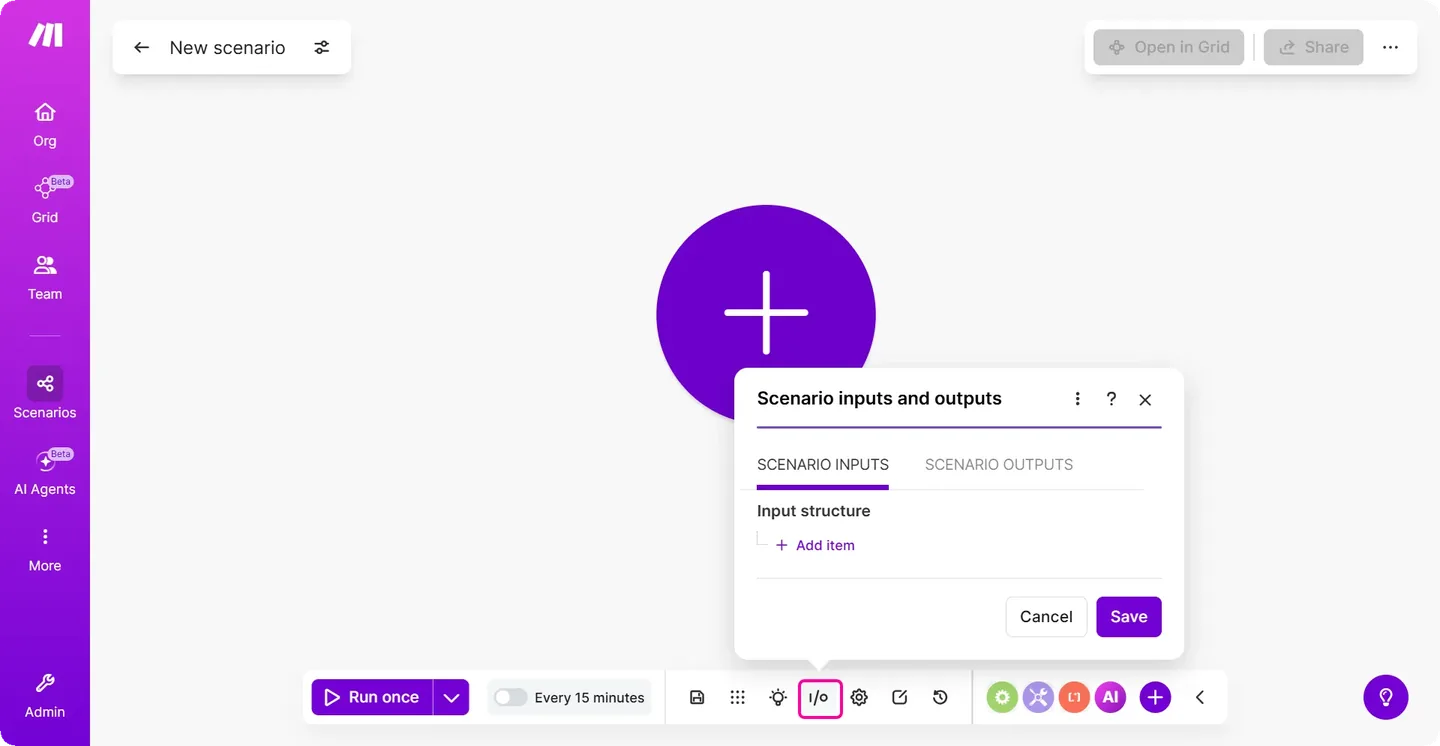
Make calls a workflow a scenario. Modules process data, routers divide routes and schedules or webhooks can start work. Its visual canvas can make field mapping and multi-step movement easier to inspect, but an operator still has to understand bundles, schedules, errors and each connected service.
Make is a practical starting point when a non-developer will own a managed, visual workflow and the required modules expose the exact triggers and actions. The existing GrowthPilot Make guide explains a controlled first scenario.
n8n: flexible workflows with a hosting choice
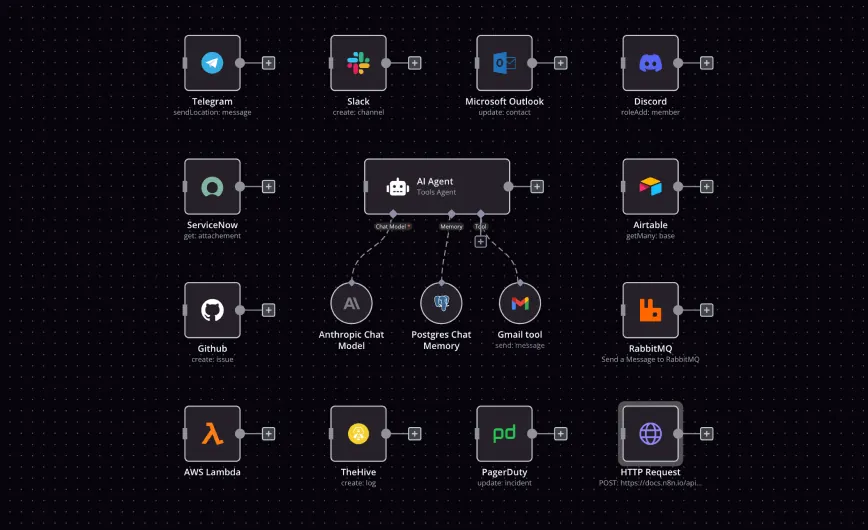
n8n connects triggers, actions and logic through nodes. It offers n8n Cloud and self-hosting options, and it supports code and custom-node routes for work that exceeds a standard connector. That flexibility can help a technically supported team, but it also makes architecture, credential handling and maintainability part of the decision.
n8n is a practical starting point when control or extension justifies that added responsibility. Self-hosting is not a shortcut around operations: the business becomes responsible for secure configuration, updates, backups, availability and recovery.
Zapier: managed workflows centred on app triggers and actions
A Zap begins with a trigger and performs one or more actions. Zapier also documents filters, searches and conditional Paths, with some multi-step and branching features limited by plan.
Zapier is a practical starting point when the required app hand-off fits its supported actions and a managed workflow is more important than self-hosting. “Supported app” is not enough evidence: confirm the exact event, field and action before buying or building.
Compare the operating model
Make and Zapier operate the automation service for you. n8n offers a managed Cloud service as well as self-hosting. A managed service reduces server work, but the customer still owns account access, workflow design, connected-service permissions and incident handling.
Self-hosting n8n adds deployment control, but it transfers infrastructure work to the business or its chosen operator. Include updates, TLS, database and encryption-material backup, monitoring and restore testing in the comparison. If nobody can perform and verify those jobs, compare the managed services instead.
Compare workflow construction and extension
Make’s scenario canvas is built around modules, mappings, filters and routes. Zapier’s editor is built around triggers and actions, with filters and Paths for conditional work. n8n’s node canvas supports branches, expressions, code and custom-node routes. These descriptions indicate different starting models, not a scale from basic to advanced.
Use the least complex route that completely expresses the business rule. A code step or custom connector can fill a gap, but it also creates something the business must secure, test and maintain. A native one-step integration may be more reliable than a flexible platform when the process is genuinely simple.
Compare the exact connector behaviour
Connector counts do not establish workflow fit. For each option, check:
- whether the required trigger is instant, scheduled or unavailable;
- which fields the connector can read and write;
- whether it can find and update an existing record instead of creating a duplicate;
- how it handles pagination, attachments, deleted records and rate limits;
- which account permissions the connection requests; and
- what happens when the connected service changes its API or authentication.
An HTTP request, API or webhook can extend all three approaches in suitable circumstances. It also increases technical and security responsibility, so assess it as custom integration work rather than a free substitute for a missing connector.
Compare monitoring and recovery
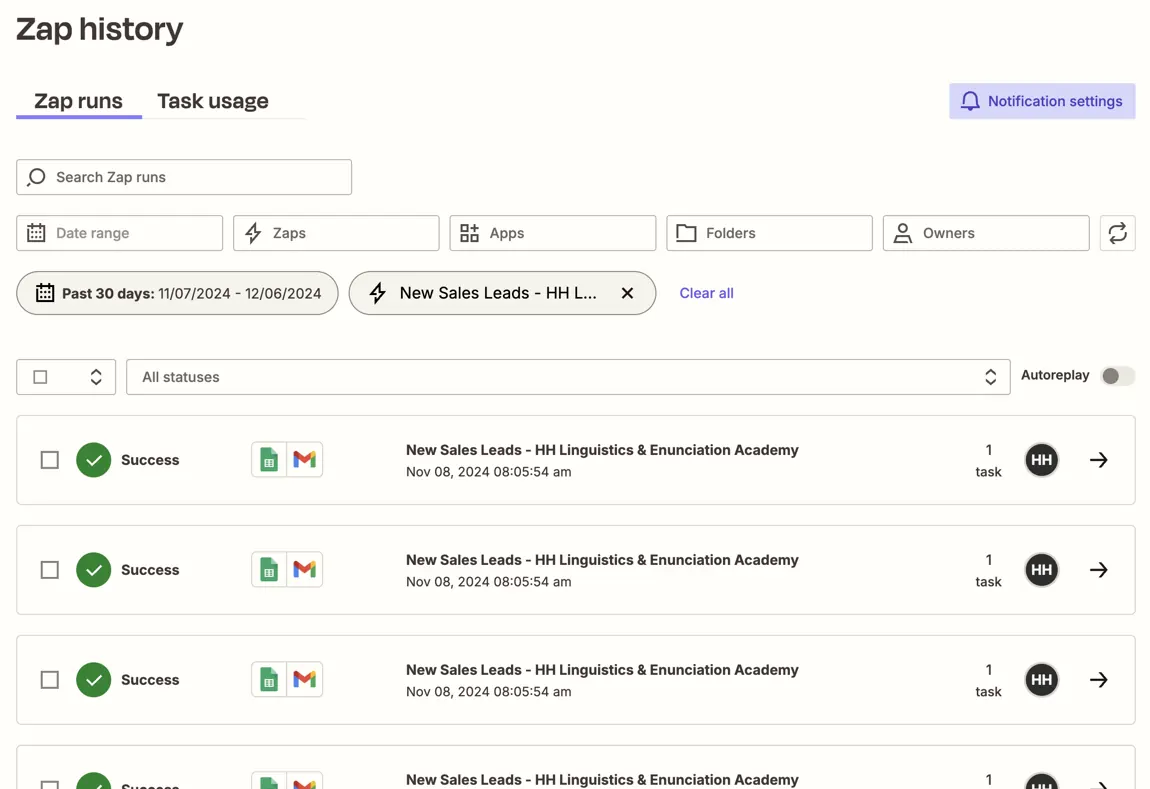
Make documents scenario history, error handlers and incomplete executions. n8n documents execution history, retries and error workflows. Zapier’s Zap History records runs, statuses and task usage; its current documentation states limits on how much run history is guaranteed and displayed.
Do not compare only whether a history screen exists. Test an expired credential, unavailable destination, missing field and duplicate event. Confirm whether the run stops, retries or continues; how the owner is alerted; what evidence remains; and how a repeated action is prevented. A successful platform run is not proof that the intended business record is correct.
Compare usage and total cost
The services measure usage differently, so the same workflow diagram does not translate directly into the same bill.
- Make: credits are the billing unit and operations record module activity. Most non-AI activity uses one credit per operation, while some AI and advanced features can consume credits differently.
- n8n: current paid-plan guidance centres usage on workflow executions from start to finish. Cloud, self-hosted and licensed feature costs still differ.
- Zapier: successful action steps generally count as tasks; triggers and some built-in steps do not. Some products and extended capabilities use different task rates.
Model one representative month using the current official rules, including branches, retries and expected record volume. Then add setup, correction, monitoring and operator time. For self-hosting, add infrastructure, backup, updates and incident response. Recheck all pricing and plan limits at the point of purchase.
A fair first comparison
Use a reversible internal hand-off such as turning an approved test enquiry into a draft follow-up task. Do not send a customer message. Build only the steps needed to:
- receive a non-sensitive test record;
- check required fields and a stable source identity;
- create or update one draft internal task;
- notify a named owner when the record needs review; and
- make a failure visible without losing the source enquiry.
Record setup time, requested permissions, mapping clarity, duplicate behaviour, failure evidence, recovery steps, expected monthly usage and who can maintain the result. Choose the option whose complete operating model the business can sustain. Keeping the process manual is a valid outcome.
Sources reviewed
- Make: scenario model, scheduling, error handling and credits and operations
- n8n: product and hosting options, execution history and retries and error handling
- Zapier: workflow concepts, Paths, task usage, Zap History and team and enterprise privacy controls
This comparison uses current first-party documentation and editorial analysis, not a shared hands-on product test. Features, usage rules, retention and plan boundaries change. Verify the exact account and workflow before adoption. Sources reviewed 8 August 2026.
GrowthPilot may earn a commission from qualifying purchases through commercial links, at no additional cost to you. Commercial availability does not determine inclusion or assessment.